Expand the frame.
Keep the soul.
You shot it tight. We open it up. Outframe extends any image in any direction — so a portrait becomes a poster, a square becomes a story, a memory becomes a mural.
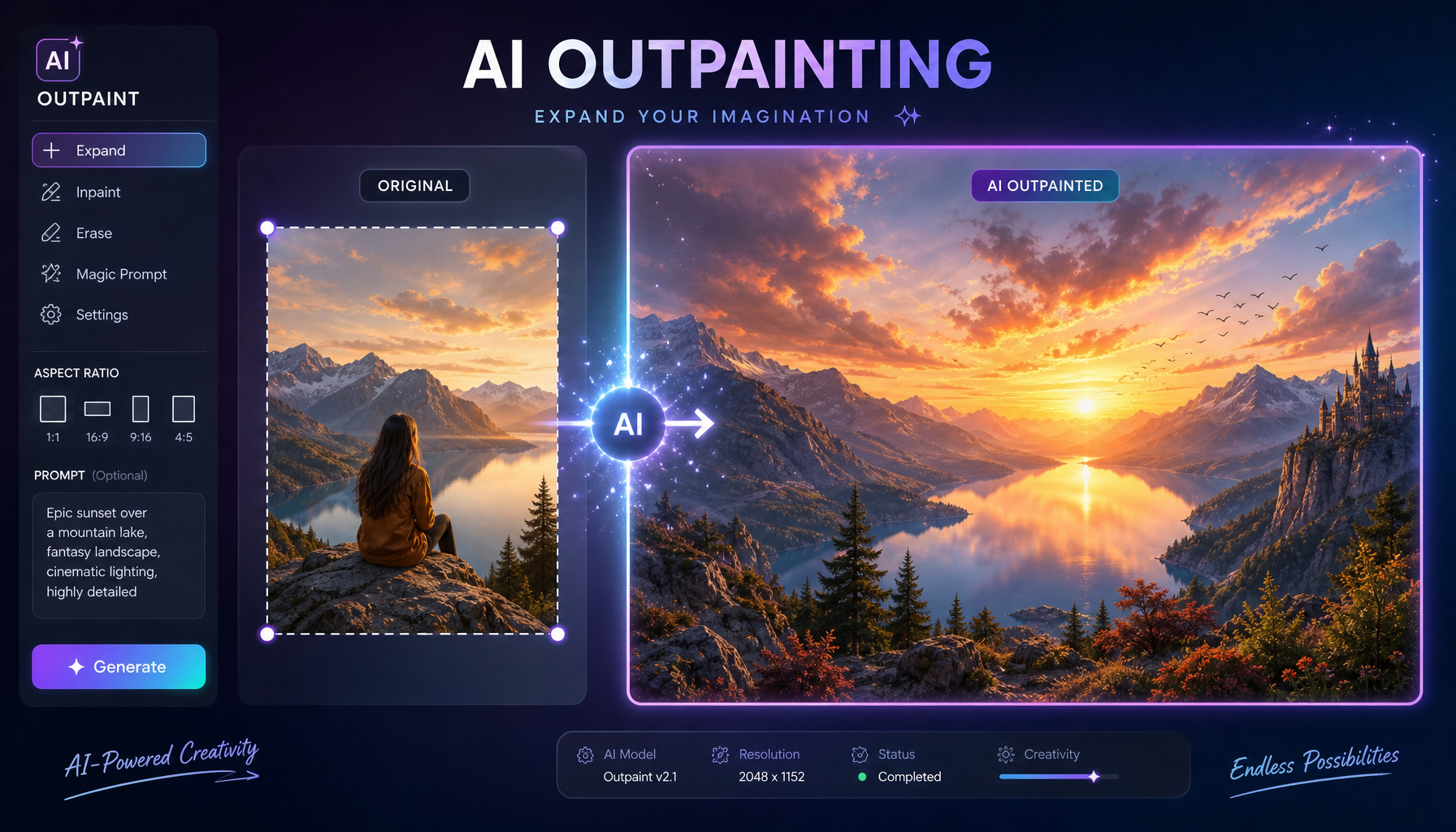
Built for the people who actually retouch.
You get directional control, sticky context, and lossless re-runs. Not a one-shot novelty.
Directional outpainting
Extend up, down, left, right — or any combination. Pixels stay where you put them.
Prompt-guided context
Describe what should appear beyond the frame. Outframe respects your intent.
Non-destructive history
Every generation is saved as a result. Reroll, compare, favorite — never overwrite.
Aspect-ratio presets
One click to a 16:9 banner, 4:5 portrait, or 1:1 square. Match your channel.
Workspace-private
Your images stay scoped to your workspace. Member-only access, signed URLs.
Fast. Honest seconds.
Most outpaints land in under 30 seconds. No tab-juggling, no caffeine required.
Three deliberate steps.
Upload your image
Drag it in, or pull from a project. Outframe preserves the original at full resolution.
Choose direction & prompt
Pick a side (or all four). Add a short description of what should continue beyond.
Generate & curate
Outframe returns a clean extension. Favorite the keepers. Re-run anything else.
From the studios.
I shot a square campaign and the client asked for 16:9. Outframe saved a reshoot — and the result was better than the original crop.
Our editorial team uses Outframe daily. The directional control is what separates it from every other tool we tried.
I gave it a brutal architectural shot with hard edges. It extended the cornice cleanly. I genuinely could not tell where the seam was.
The non-destructive history is the killer feature. I can try ten variations and keep all of them.
Finally — outpainting that respects the original lighting. Other tools blow out my shadows. This one doesn’t.
We replaced a $4k/mo retouching contract with three Outframe seats. Same output, more iteration.
Open your first frame today.
Upload an image, choose a direction, generate. You'll wonder how you ever cropped without it.